

If your Outlook inbox is currently frozen due to the ongoing global Microsoft outage, you are not alone. Widespread server issues are actively blocking millions of users from sending, receiving, or loading emails across the web and the new Outlook app.
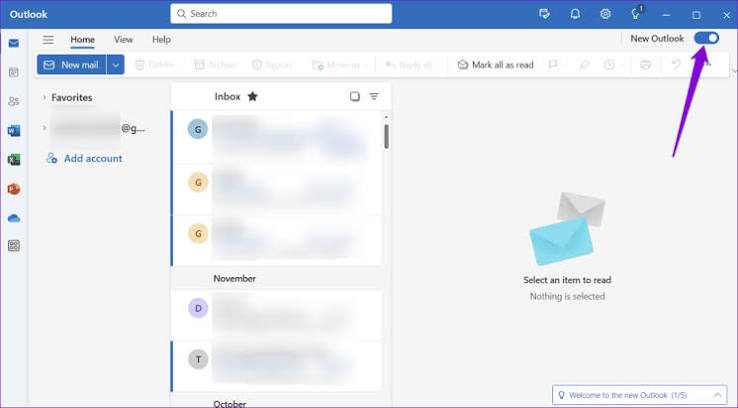
While Microsoft engineers work to resolve the underlying infrastructure delays, there is a quick workaround to get your communications moving again: switch back to older version, Outlook Classic.
Because the legacy desktop client relies on locally cached data and uses different connection protocols than the cloud-heavy web and New Outlook versions, many users are finding they can still access their inbox, draft messages and queue outgoing emails without getting locked out.
If you have Outlook Classic installed on your machine, toggle off the “New Outlook” switch in the top-right corner or launch the classic desktop app directly to stay productive until full service is restored.
If you are still facing challenges I can help you remotely using Anydesk.